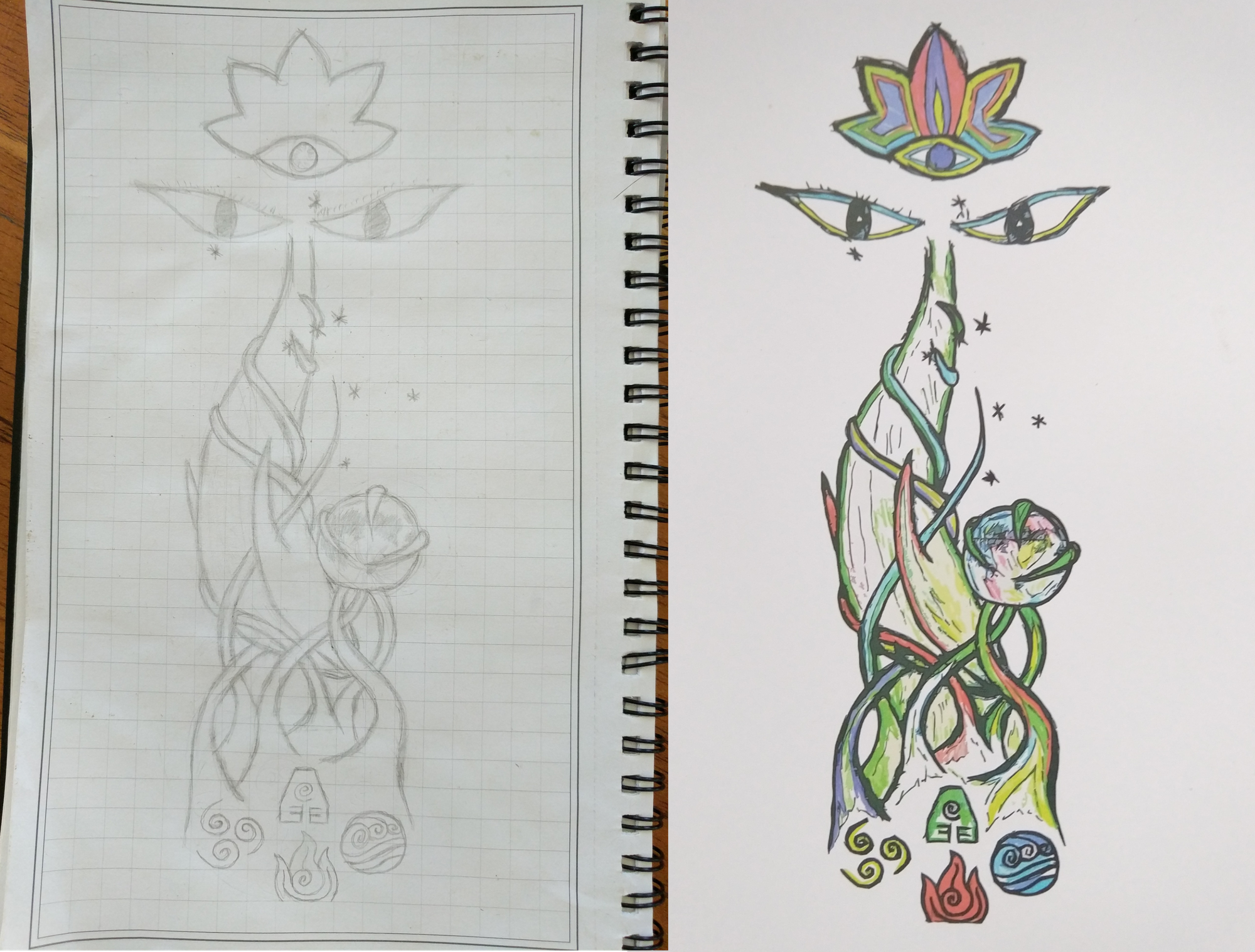


In today’s chautauqua…

  • 1 Post
  • 70 Comments
Joined 3 months ago
cake
Cake day: September 15th, 2025

help-circle


  • It wasn’t at all clear that you had a 2nd monitor connected, that is also useful information. Still, not enough data to really know.

    Are both monitors the same make and model? If not, then it seems likely there’s an issue with your GPU or HDMI cable, but the symptoms are different because the monitors are manufactured by different companies. If the monitors are identical to each other, then we’re back to most likely being an issue with the 1st monitor.


  • although another monitor flicker when the monitor tears.

    I assume that you mean “the 2nd monitor flickers under the same conditions that the 1st monitor tears”, or are you saying that you have tried 3 separate monitors, all with different behavior?

    Take your time and walk through all the steps that folks have laid out for you in these comments, and try to answer each question we’re asking. There just isn’t enough detail for us to give solid answers or further suggestions.


  • You might be on the right track thinking it’s the monitor, but could also be related to the GPU (assuming it’s the same PC/card that tears across different OS’s).

    If different machines all tear the same way, then I’d say definitely the monitor and the manufacturer may or may not be able to give some insight.

    Otherwise, I think we might need some more details about the machine’s hardware to be able to give any meaningful advice other than double-checking driver versions and firmware updates, etc.

    Things that might be helpful:

    • GPU make/model
    • Monitor model (the picture at least shows it’s an AOC)
    • Connection type (HDMI, DisplayPort, USB-C, etc.)
    • Have you tried a different connection type?
    • Have you tried a different cable of the same type?
    • Does it happen on any other monitors?
    • Are there other input ports you can try on the monitor? Do they also tear?